If the Yu-Gi-Oh! DB website asks to login with Game Card ID just click "I don't have a game card ID" and fill some basic information to proceed
Export Guide
- Via the MDM extension (Recommended): Download on Firefox, or Chromium Browsers For Chromium browsers (Chrome/Edge/Opera/Brave...etc) just click "Add to chrome" on the store page and it'll work on most if not all chromium browsers. After using the extension, go to the Master Duel game => Main menu => Deck option => The Card database option at the top right corner => locate the deck you exported and copy it
Once the deck page loads click Edit then do one of the following based on the platform your device is running:
(PC Only): Press F12 to open the DevTools window => Navigate to the Console tab in the window => Paste the export code => Hit Enter
OR (Other platforms/PC): In the address bar of the current tab remove the URL and type "javascript:" without the quotations then paste the export code, then if you're on mobile look for the *globe* icon and tap on it to run the code (Chrome only), for PC users just hit enter.
The deck will save automatically
Go to the Master Duel game => Main menu => Deck option => The Card database option at the top right corner => locate the deck you exported and copy it
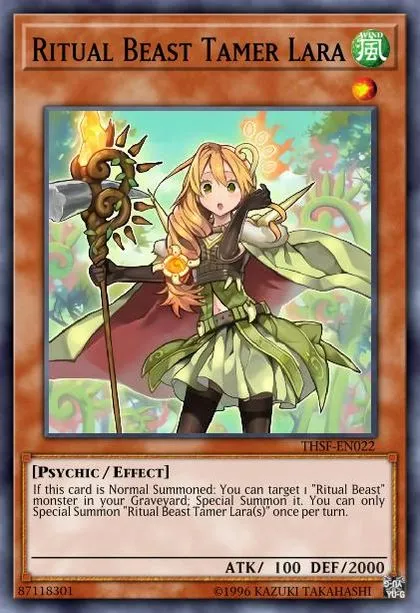
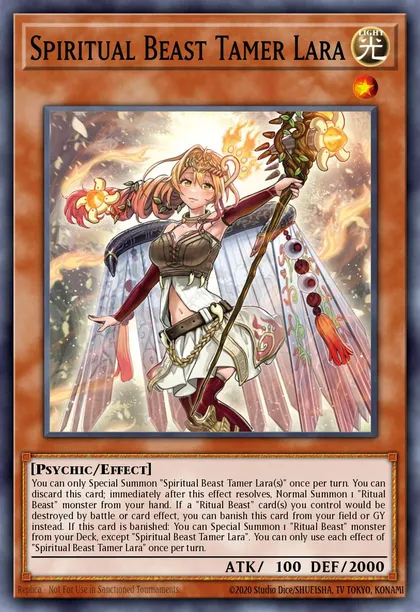
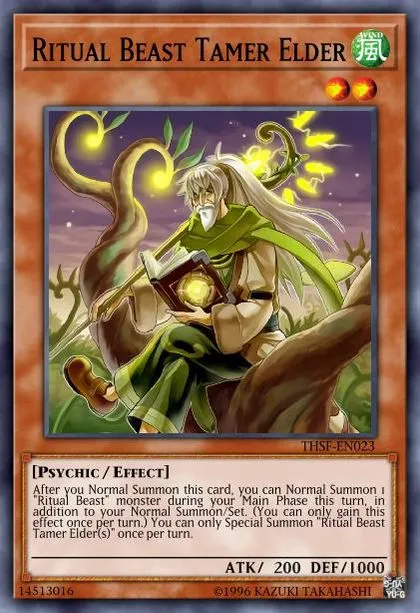
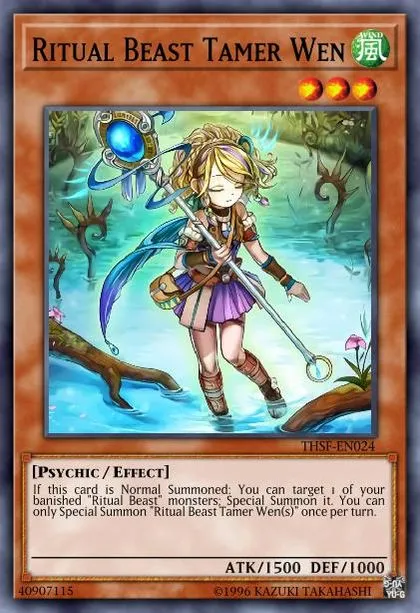
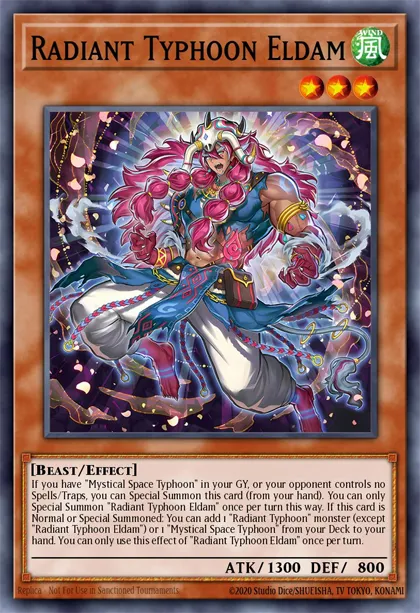
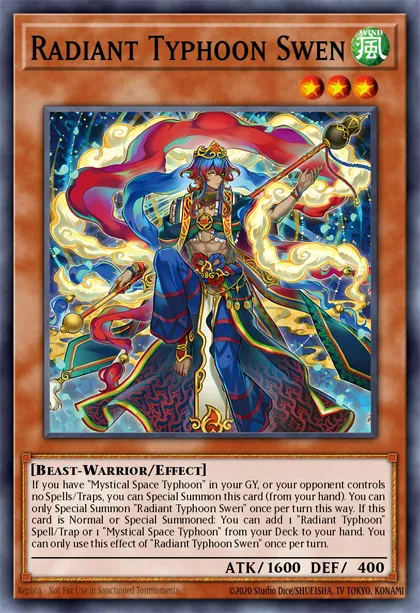
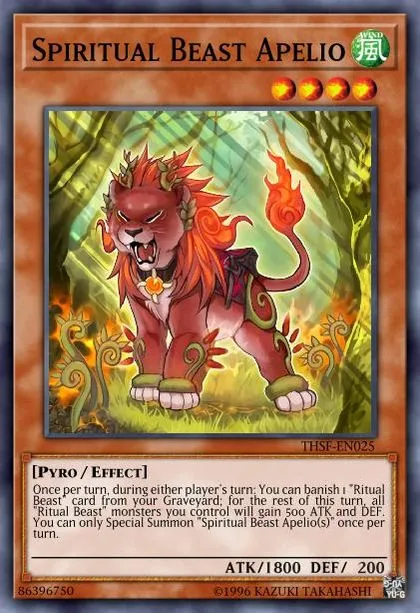
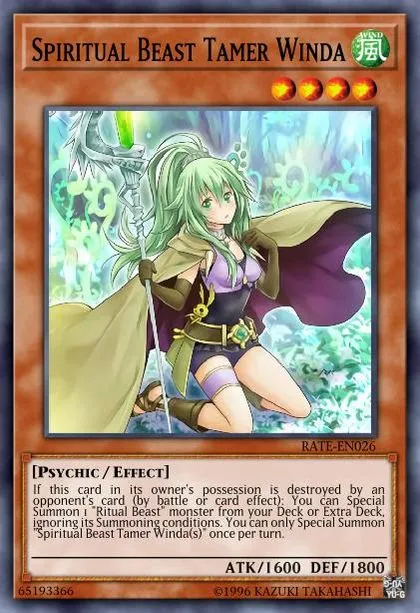
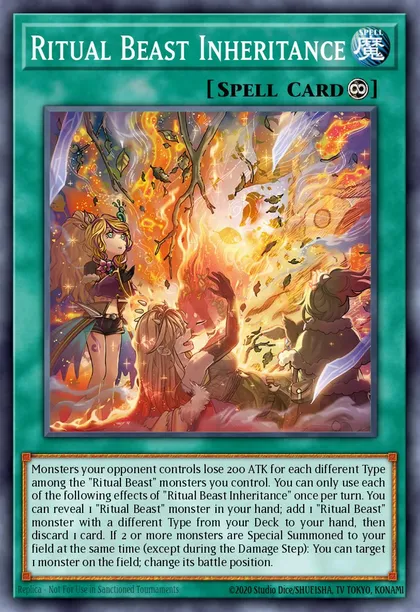
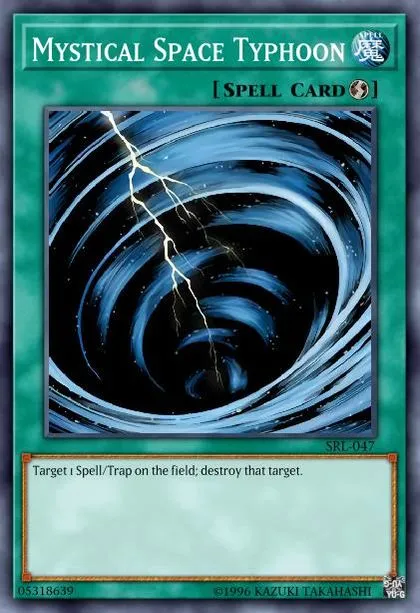
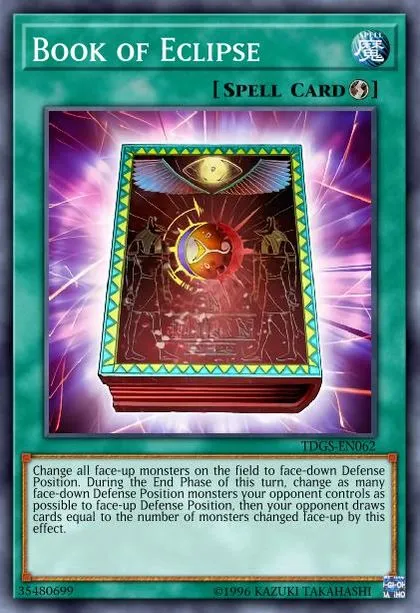
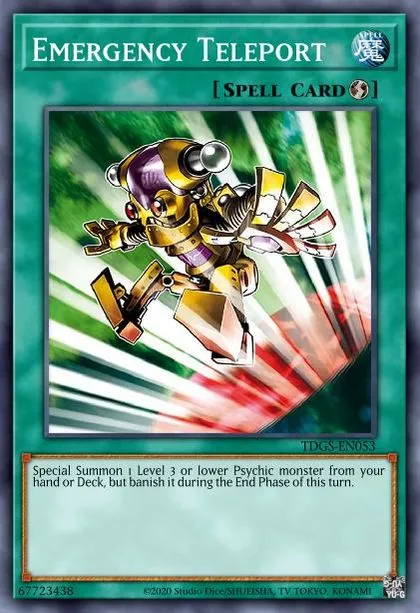
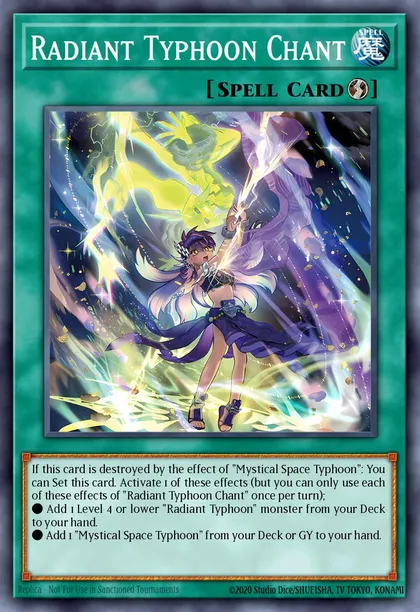
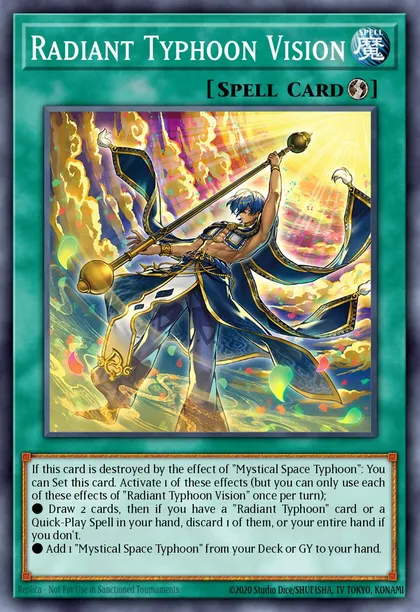
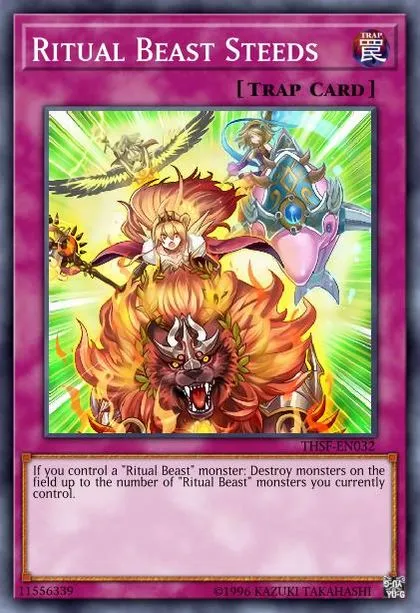
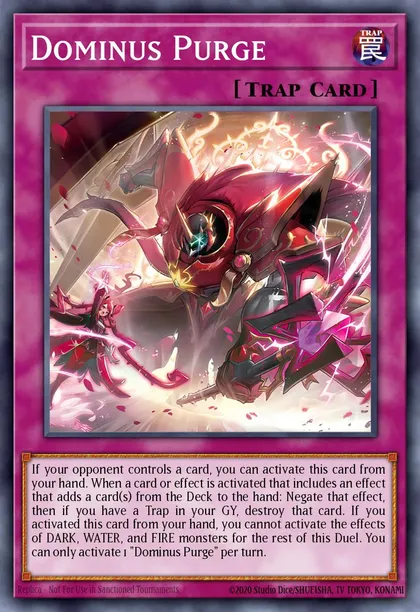
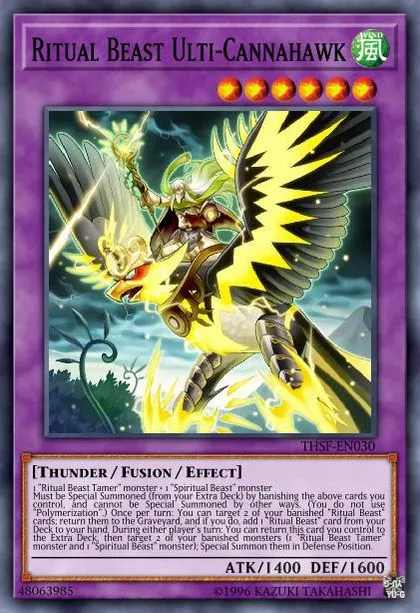
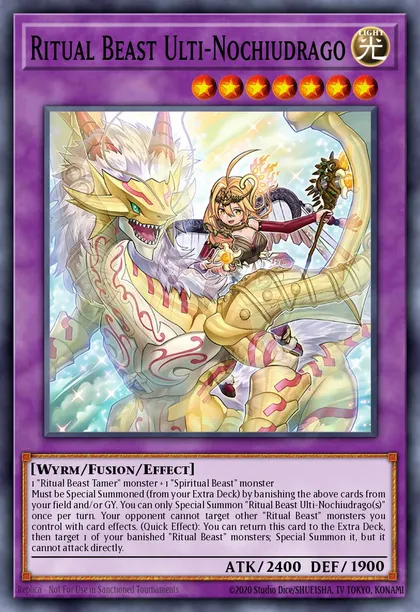
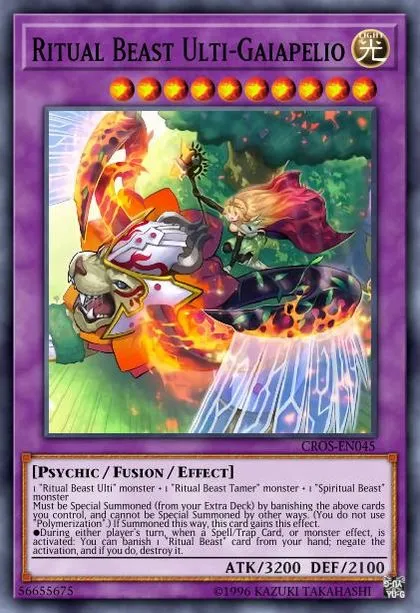
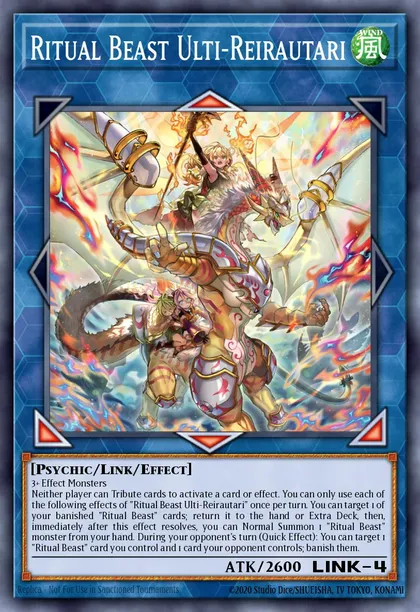
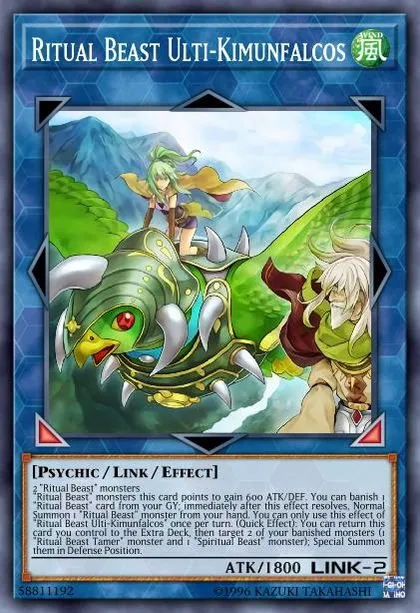
Previously, the only connection between Ritual Beast and Radiant Typhoon was that they shared the WIND Beast theme, but with Broadbull back, Ritual Beast can now access the Radiant Typhoon engine.
The only changes I made were to the Extra Deck, but the deck itself transformed completely—from a pure Ritual Beast build into a Rank 4 Ritual Beast build.
I’m not really a pure Ritual Beast player, so this version feels much more natural to me.